 GifBunny
01
Upload your image
Add the JPG, PNG or WebP you want to animate — a character, a photo, a product shot or a drawing. One image up to 10 MB is all it takes.
Upload a photo, drawing or product shot as JPG, PNG or WebP, describe the motion you want, and GifBunny turns your image into a seamless looping animated GIF in seconds — free to start, no watermark.
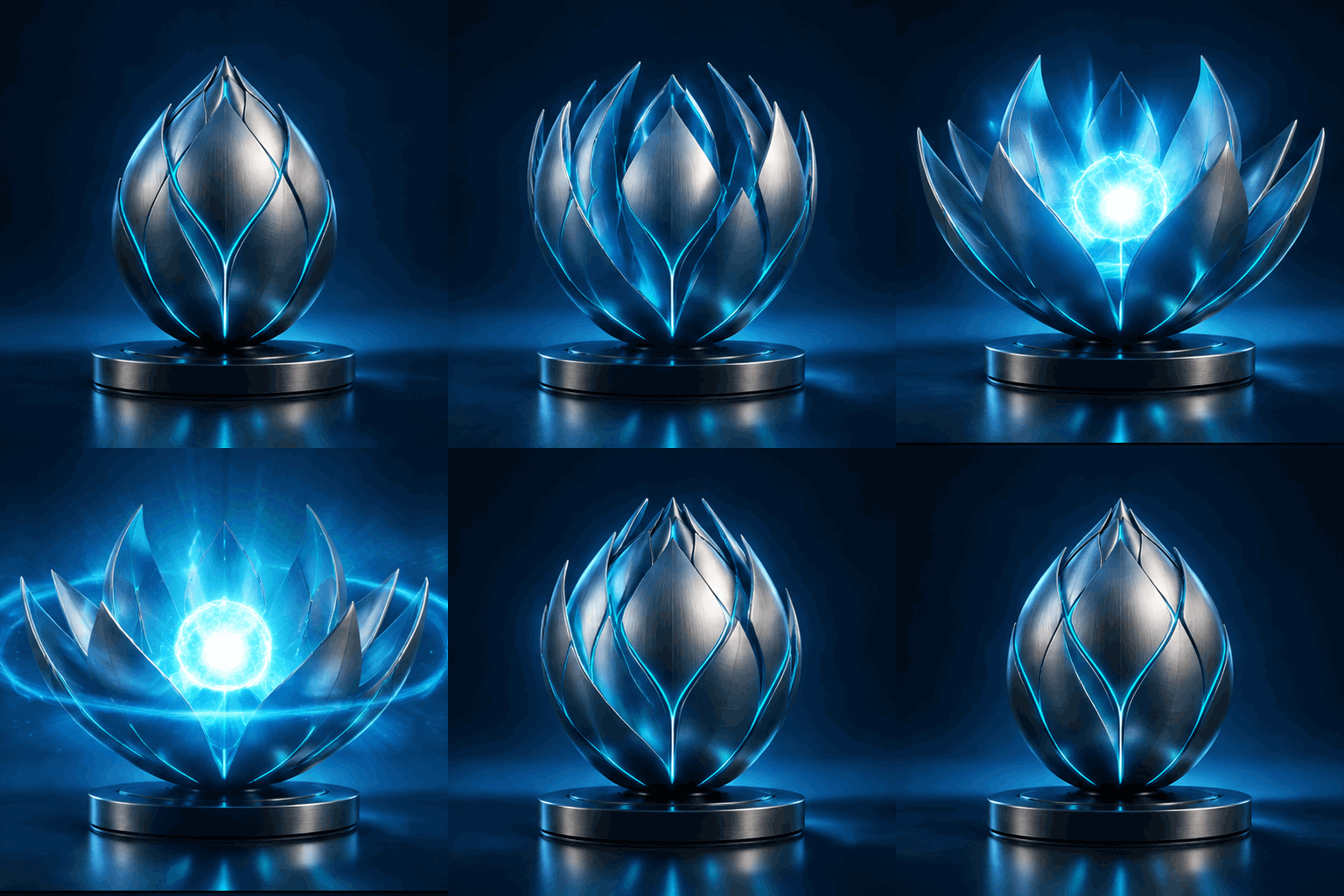
Image to GIF is the process of turning a still image into a looping animated GIF — the fastest way to make any picture feel alive.
With a classic converter, "image to GIF" usually means stitching several files into a slideshow. GifBunny works differently: it is an AI image-to-GIF generator. You upload one still image — a character, a selfie, a product photo, a sketch — describe the motion you want, and the AI animates that exact image frame by frame.
Your picture stays the star. The background, colors and subject all come from your file; the AI only adds the movement you describe: a wink, a slow turn, steam rising from a cup, petals opening, a bouncing reaction.
The result is a ready-to-share GIF: 512×512 pixels, 8–16 frames, a seamless loop that plays anywhere GIFs play — chat apps, comment threads, product pages and social feeds — no video player and no editing timeline required.
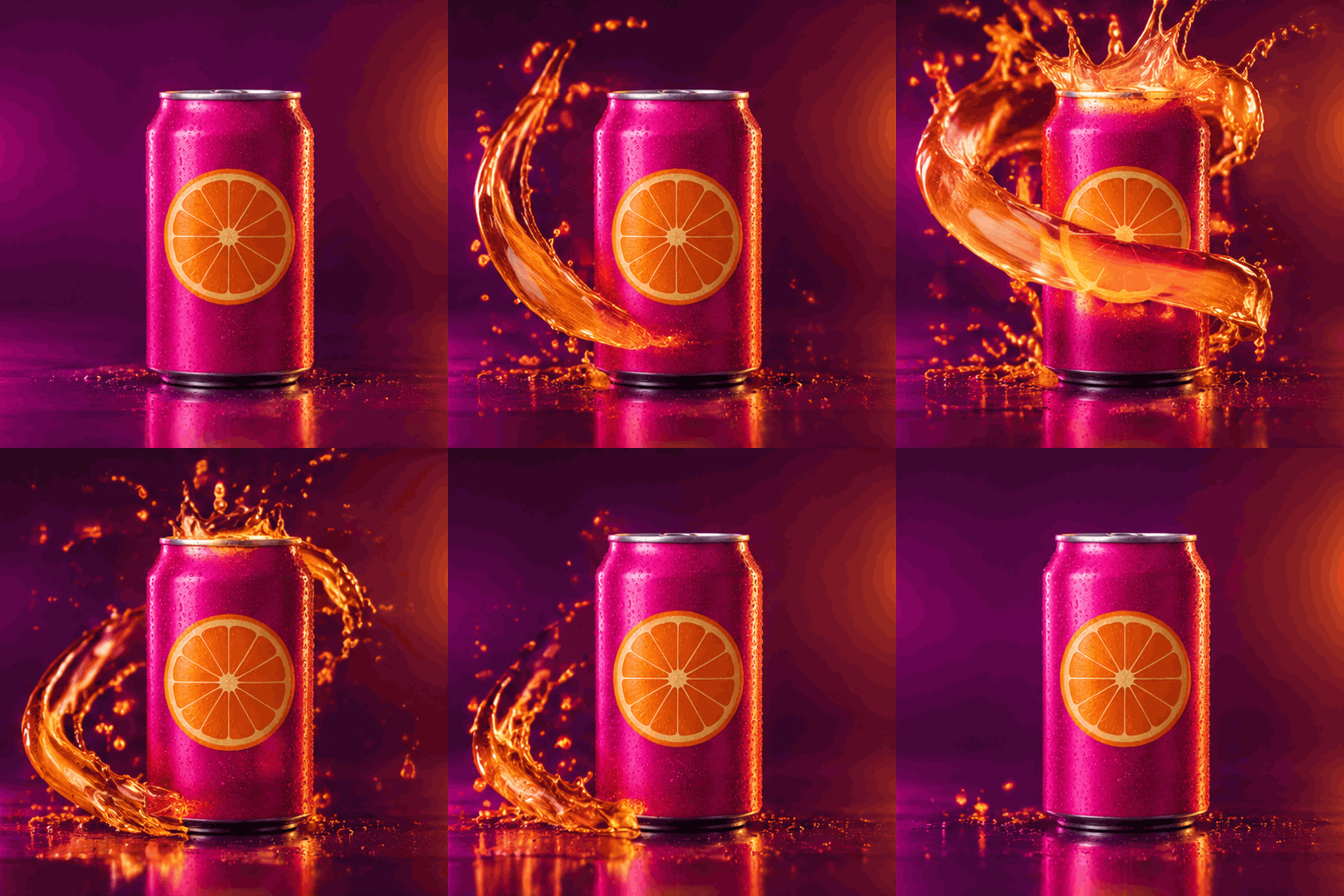
Three steps between your still image and a finished loop — no design skills required.
Add the JPG, PNG or WebP you want to animate — a character, a photo, a product shot or a drawing. One image up to 10 MB is all it takes.
Tell the AI what should move: wink, spin, sway, steam, petals, a comic jump. Pick motion detail (8, 12 or 16 frames) and a playback speed to set the rhythm.
Watch your image loop in the live preview, tune the details until it feels right, then download the finished GIF and share it anywhere.
A purpose-built image-to-GIF workbench — not a slideshow maker with extra clicks.
The AI animates the picture you upload — same subject, same style, same colors. No look-alike results, no restyling you didn't ask for.
Skip keyframes and layers. Motion detail (8, 12 or 16 frames) and playback speed are the only two controls you need to shape the rhythm.
Every GIF renders at 512×512 with a seamless loop, sized for chat stickers, comment threads and storefront pages that load fast.
New accounts get free credits, and finished GIFs are clean files — no watermark burned into your image.
Upload, describe, generate. Most image-to-GIF conversions finish in well under a minute, and failed tasks refund their credits automatically.
Content checks keep the tool friendly for teams and stores, and you keep the rights to use your GIFs wherever your source image allows.
If a still picture deserves a little motion, this page is for you.
Turn product photos into subtle motion loops — steam, shimmer, slow rotation — for listings, ads and store banners that stop the scroll.
Animate emotes, alert GIFs and channel point rewards from your own character art, sized for chat and overlays.
Convert brand images into reaction GIFs and announcements that feel native in Discord, Slack and WeChat threads.
Recreate classic reaction memes with your own face, pet or mascot — exaggerated motion, comic timing, ready to post.
Bring a finished illustration to life for your portfolio and social posts — motion previews sell commissions better than static files.
Turn diagrams and slides into tiny looping explainers that keep attention during lessons, webinars and demos.
Quick answers about formats, pricing and what the finished GIF looks like.
JPG, PNG and WebP files up to 10 MB. One image is enough for each conversion — the AI animates the scene you upload, so pick the frame you want to see moving.
Three steps: upload your image in the form at the top of this page, describe the motion you want, then press Generate GIF. A live preview appears next to the form, and you download the finished GIF when the loop feels right.
You can start for free: sign up and use your welcome credits on your first conversions. After that, generation is pay-per-task with credits — 8 frames costs 2 credits, 12 frames 4, and 16 frames 6 — topped up with a one-time pack or a subscription.
No. Downloads are clean GIF files with no watermark, no overlays and no branding baked in.
Every image-to-GIF conversion renders 512×512 pixels with 8, 12 or 16 frames and a seamless loop. Playback speed runs from 0.08s to 0.15s per frame, so a standard 12-frame natural GIF loops in about 1.2 seconds.
Classic converters repack existing frames or slide several images together. GifBunny generates real motion from a single still image: the AI reads your picture and animates it according to your description, so one upload is enough for a complete loop.
Yes — your own photos, or images you have permission to use. Don't upload photos of minors without a guardian's consent, and avoid impersonation or misleading content; the safety filter may block it.
Yes, as long as you hold the rights to the source image. Sellers use product loops in listings and ads, artists share animated previews, and teams publish reaction GIFs — with no watermark to remove.
Upload a picture, describe one little movement, and take the loop home.